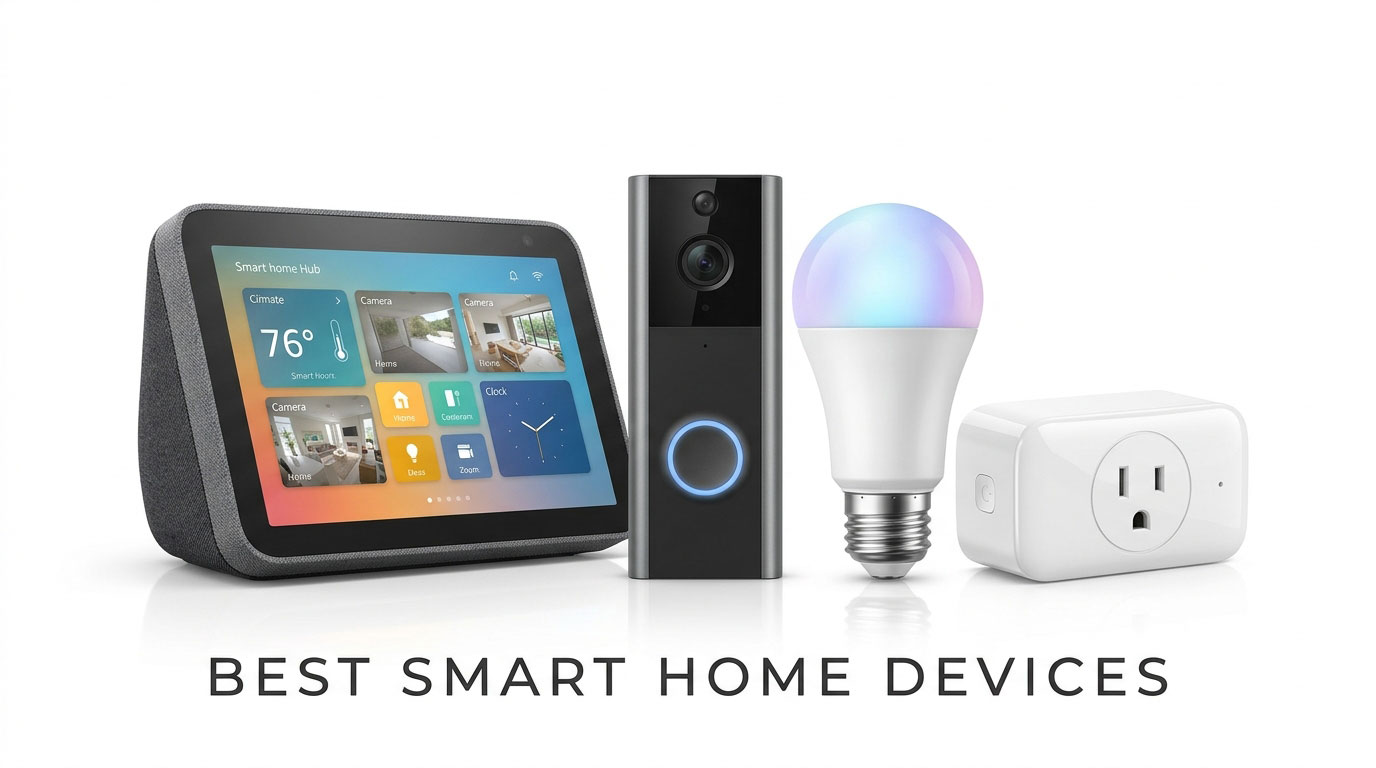
Building a connected home used to mean dealing with messy custom wiring, frustrating proprietary apps, and devices that refused to talk to each other. If you bought smart bulbs from one brand and security cameras from another, you frequently ended up juggling four different hubs and apps just to turn off the lights at night.
Thanks to the widespread adoption of universal standards like Matter and Thread, setting up an automated living space has never been simpler. Modern smart tech pairs effortlessly across Android, Google Assistant, Amazon Alexa, and Apple Home, letting you control lighting, indoor climate, and home security with single-tap routines or natural voice commands.
Whether you want to lower your monthly electric bill, protect your porch against package thieves, or create dynamic ambient lighting for movie nights, choosing the best smart home devices comes down to reliability, ease of setup, and ecosystem interoperability.
We tested dozens of smart hubs, displays, bulbs, plugs, and cameras to curate this definitive buyer’s guide for beginner and intermediate home automation setups.
Quick Comparison: The Best Smart Home Devices at a Glance
| Product Category | Best Model | Key Strength | Smart Protocol / Ecosystem | Subscription Needed? |
| Smart Display / Hub | Google Nest Hub (2nd Gen) | Gesture control, Sleep Sensing, clean UI | Wi-Fi, Bluetooth, Thread | No (Free core features) |
| Smart Video Doorbell | Google Nest Doorbell (Battery) | Crisp 3:4 vertical view, intelligent alerts | Wi-Fi (Battery or Wired) | Optional (Nest Aware) |
| Smart Lighting | Philips Hue White & Color Kit | Unmatched color accuracy, rich automations | Zigbee, Bluetooth, Matter | No (Free local control) |
| Smart Plug (Value) | TP-Link Tapo Mini Smart Plug | Compact footprint, energy monitoring | Matter over Wi-Fi | No (100% Free) |
| Smart Thermostat | Ecobee Smart Thermostat Premium | Built-in air quality sensor, remote sensors | Wi-Fi, Matter, Alexa/Siri | No (100% Free) |
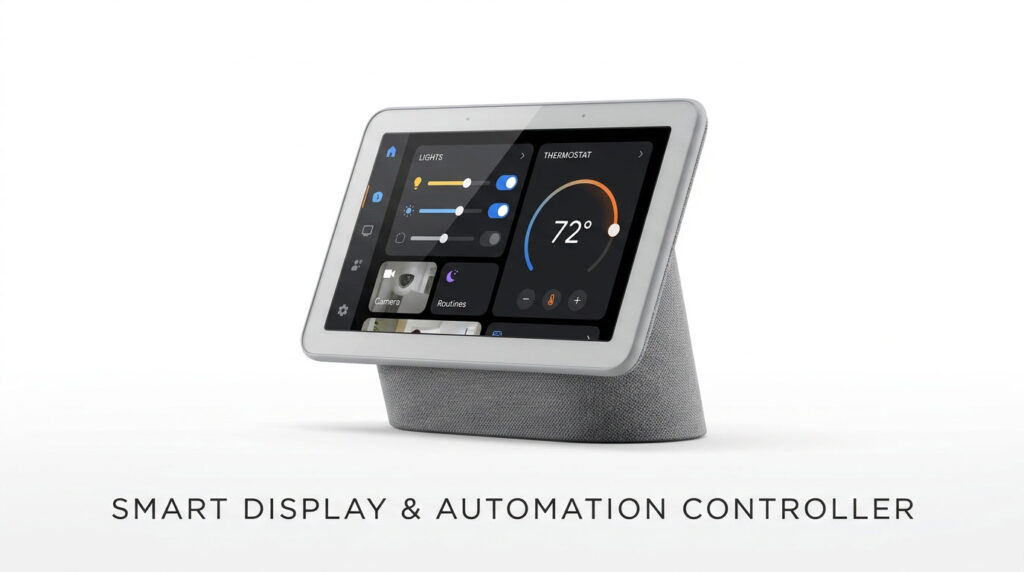
1. Best Smart Display & Central Hub: Google Nest Hub (2nd Gen)
Every connected living space needs a central dashboard where family members can glance at calendar schedules, control smart lights, and stream media without picking up a smartphone.
Google Nest Hub Highlights:
– Screen & Audio: 7-inch edge-to-edge touchscreen with ambient EQ light sensor
– Motion Sense : Soli radar technology enables quick hand gestures to pause music or snooze alarms
– Privacy First : No built-in camera lens, making it completely safe for bedroom nightstands
– Sleep Sensing : Tracks respiratory rate and sleep disturbances without wearing a tracker
Why It’s the Ideal Household Controller
The Nest Hub acts as a visual interface for Google Home. Swiping down from the top reveals every room, light bulb, camera feed, and thermostat in your home. Because it has no camera, it offers complete privacy in private spaces like bedrooms and home offices.
- Pros: Clean, intuitive interface; Soli radar gesture controls; great ambient display brightness; affordable entry price.
- Cons: No camera means no two-way video calls (audio calls only); speaker bass is tuned for voice rather than deep music listening.
2. Best Smart Video Doorbell: Google Nest Doorbell (Battery)
Porch piracy and missed package deliveries are among the primary reasons homeowners invest in smart tech. The Google Nest Doorbell delivers clean design and reliable front-door security.
Core Security Features:
– 3:4 Aspect Ratio : Tall vertical field of view lets you see packages sitting on the doorstep
– On-Device AI : Intelligently distinguishes between people, animals, vehicles, and packages
– Flexible Install : Runs on rechargeable battery or connects to existing mechanical doorbell wiring
– Local Video Store: Caches up to 1 hour of event video locally if your home Wi-Fi drops
Smart Detection Without Mandatory Paywalls
Unlike competitors that bombard your smartphone with alerts every time a tree branch sways in the wind, the Nest Doorbell processes detection models locally. You receive precise alerts informing you that a package was dropped off or a visitor approached the porch, with 3 hours of free event video history out of the box.
- Pros: 3:4 vertical viewing angle captures head-to-toe visitors; intelligent package detection; works with battery or wired chime setups.
- Cons: Extended 30-day video history requires a Nest Aware cloud subscription; battery needs recharging every 2 to 3 months in high-traffic entryways.
3. Best Smart Lighting: Philips Hue White and Color Ambiance Starter Kit
Smart lighting is often the first smart upgrade people make, and Philips Hue remains the gold standard against which all other lighting platforms are measured.
Philips Hue Advantage:
– Mesh Stability : Operates on the Hue Bridge (Zigbee mesh) so 50+ bulbs never congest your home Wi-Fi
– Color Precision: Flawless color reproduction across 16 million colors and tunable white spectrums
– App Ecosystem : Rich automation scheduling, sunrise wake-up routines, and Spotify music sync
– Matter Ready : Software update brings instant Matter compatibility to connected smart platforms
Rock-Solid Stability
Cheaper Wi-Fi smart bulbs often drop offline or slow down your home network when you install 15 or 20 of them. Because Philips Hue routes its communication through the dedicated Hue Bridge, bulb responses are instantaneous, reliable, and immune to household router congestion.
- Pros: Unmatched color fidelity and smooth dimming; ultra-stable Zigbee mesh networking; extensive accessory lineup (smart switches, motion sensors).
- Cons: Higher initial investment compared to generic Wi-Fi bulbs; requires Hue Bridge for advanced scheduling.
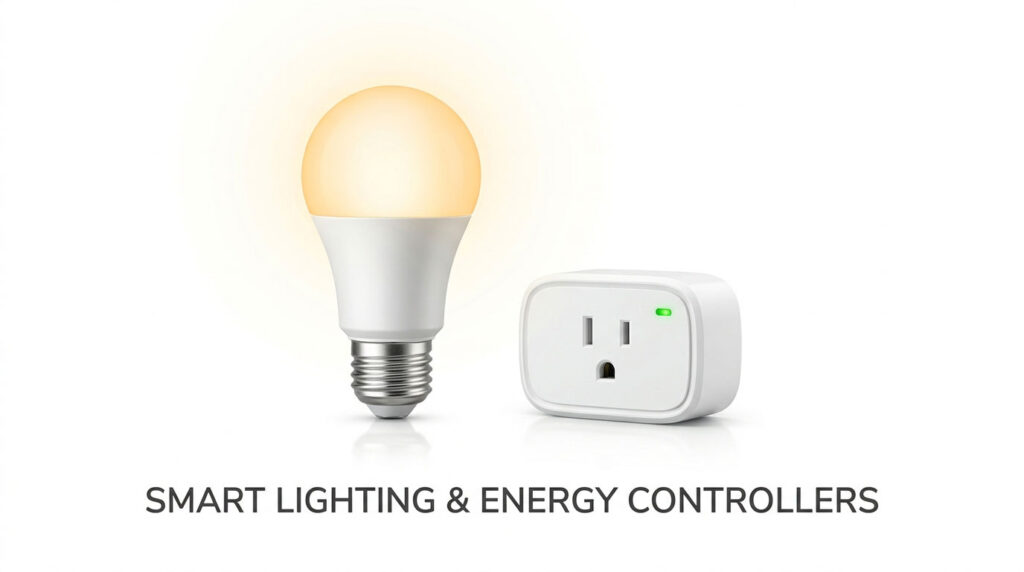
4. Best Budget Automation: TP-Link Tapo Mini Smart Plug (Matter)
Smart plugs are the unsung heroes of home automation. They transform basic “dumb” appliances—like desk lamps, fans, space heaters, and humidifiers—into scheduled smart devices.
TP-Link Tapo Highlights:
– Universal Matter : Pairs directly with Google Home, Apple Home, Samsung SmartThings, and Alexa
– Compact Design : Slim horizontal form factor leaves adjacent wall outlets completely accessible
– Energy Monitoring: Tracks real-time wattage usage and estimates kilowatt-hour electrical costs
– Auto-Off Timer : Automatically cuts power after set durations for safety and energy conservation
At a price point often under $15 per plug (or sold in discounted multi-packs), the Tapo Mini Smart Plug offers a high-conversion, low-risk entry into smart automation. Its built-in energy monitoring feature lets you see exactly how much electricity heavy appliances draw throughout the month.
- Pros: Inexpensive; ultra-compact body never blocks neighboring plugs; native Matter protocol; built-in real-time energy tracking.
- Cons: Requires a standard 2.4 GHz Wi-Fi network; limited to 15A loads (not suitable for heavy 220V appliances).
5. Best Energy-Saving Device: Ecobee Smart Thermostat Premium
Heating and cooling make up more than 50% of the typical household energy bill. Upgrading to a modern smart thermostat is one of the few tech investments that pays for itself over time.
Ecobee Premium Features:
– SmartSensor Support : Remote room sensors monitor occupancy and temperature to eliminate hot/cold spots
– Air Quality Monitor : Built-in sensor alerts you to high VOC levels, carbon dioxide, and humidity
– Zinc Glass Faceplate: Premium curved glass and metallic finish that elevates wall aesthetics
– Universal Voice : Features built-in Alexa voice processing and works as an Apple Siri speaker
Eliminating Hot and Cold Rooms
Traditional wall thermostats only read temperatures in the hallway where they are mounted. The Ecobee uses wireless SmartSensors placed in bedrooms or living areas. If your bedroom stays cold at night, the thermostat prioritizes that room’s comfort while you sleep, preventing wasted heating in empty parts of the house.
- Pros: Substantial reduction in seasonal utility bills; includes a wireless remote room sensor; built-in indoor air quality monitoring; sleek zinc glass design.
- Cons: Higher upfront price tag; installation requires a C-wire or the included Power Extender Kit (PEK).
How to Choose the Best Smart Home Devices: 3 Rules for Beginners
1. Standardize on Matter and Thread
When shopping for smart gear, always look for the Matter badge on the packaging. Matter ensures that the bulb, plug, or lock you purchase today will communicate seamlessly across Google Assistant, Amazon Alexa, Apple Home, and Samsung SmartThings without proprietary bridge lock-in.
2. Don’t Crowd Your Wi-Fi Router
If you plan on installing more than 20 smart devices, avoid putting every single light bulb on your 2.4 GHz Wi-Fi router. Choose lighting and sensor ecosystems that run on Zigbee (like Philips Hue) or Thread, which create their own low-power mesh networks and keep your Wi-Fi bandwidth free for 4K streaming and gaming.
3. Calculate Recurring Subscription Costs
While smart hardware might look cheap on the shelf, cloud-based security cameras and video doorbells often hide their best features behind recurring monthly plans ($3 to $10/month). Factor ongoing cloud fees into your overall budget, or look for devices that offer local microSD or hub storage.
Frequently Asked Questions (FAQ)
What is the easiest smart home device to start with?
The simplest devices to start with are a smart plug (like the TP-Link Tapo) and a smart display (like the Google Nest Hub). You simply plug them into the wall, connect them to your home Wi-Fi via your smartphone app, and immediately gain voice control over lamps, coffee makers, and morning routines.
Do I need high-speed internet for smart home devices to work?
You only need a stable, standard Wi-Fi connection. Most smart accessories (plugs, sensors, bulbs) send tiny packets of data and use minimal bandwidth. However, streaming video from multiple 2K or 4K outdoor security cameras does benefit from higher upload speeds (at least 10–20 Mbps).
Can I mix Google, Alexa, and Apple Home products together?
Yes. Thanks to the Matter protocol, certified smart devices can be controlled simultaneously across multiple ecosystems. For instance, you can turn on a Matter-enabled Tapo smart plug using Google Assistant on an Android phone, while a family member uses Siri on an iPad.
Final Verdict: Which Best Smart Home Devices Should You Buy First?
Building a dependable smart home does not require converting your entire house overnight. The smartest strategy is starting with everyday pain points:
- For Whole-Home Automation & Voice Control: The Google Nest Hub (2nd Gen) is the ideal privacy-conscious digital centerpiece.
- For Front-Door Peace of Mind: The Google Nest Doorbell (Battery) provides top-tier package detection with a practical 3:4 vertical viewing angle.
- For Living Room Ambiance & Schedule Automation: The Philips Hue Starter Kit delivers the most reliable, vibrant smart lighting on the market.
- For Instant, Low-Cost Appliance Automation: The TP-Link Tapo Mini Smart Plug is an unbeatable value with built-in power tracking.
Once you have your home automated, expand your portable tech collection! Check out our master buying guides to the Best Smartwatches for Android and the Best Smart Rings, or upgrade your daily audio with the Samsung Galaxy Buds3 Pro Review.