Smart lighting is often the first entry point into home automation. For many, the initial temptation is picking up cheap, generic Wi-Fi smart bulbs from discount sites. But that route frequently leads to frustration: flickering light states, dropped network connections when you turn on more than ten bulbs at once, and sluggish mobile apps that lag every time you try to flip a virtual switch.
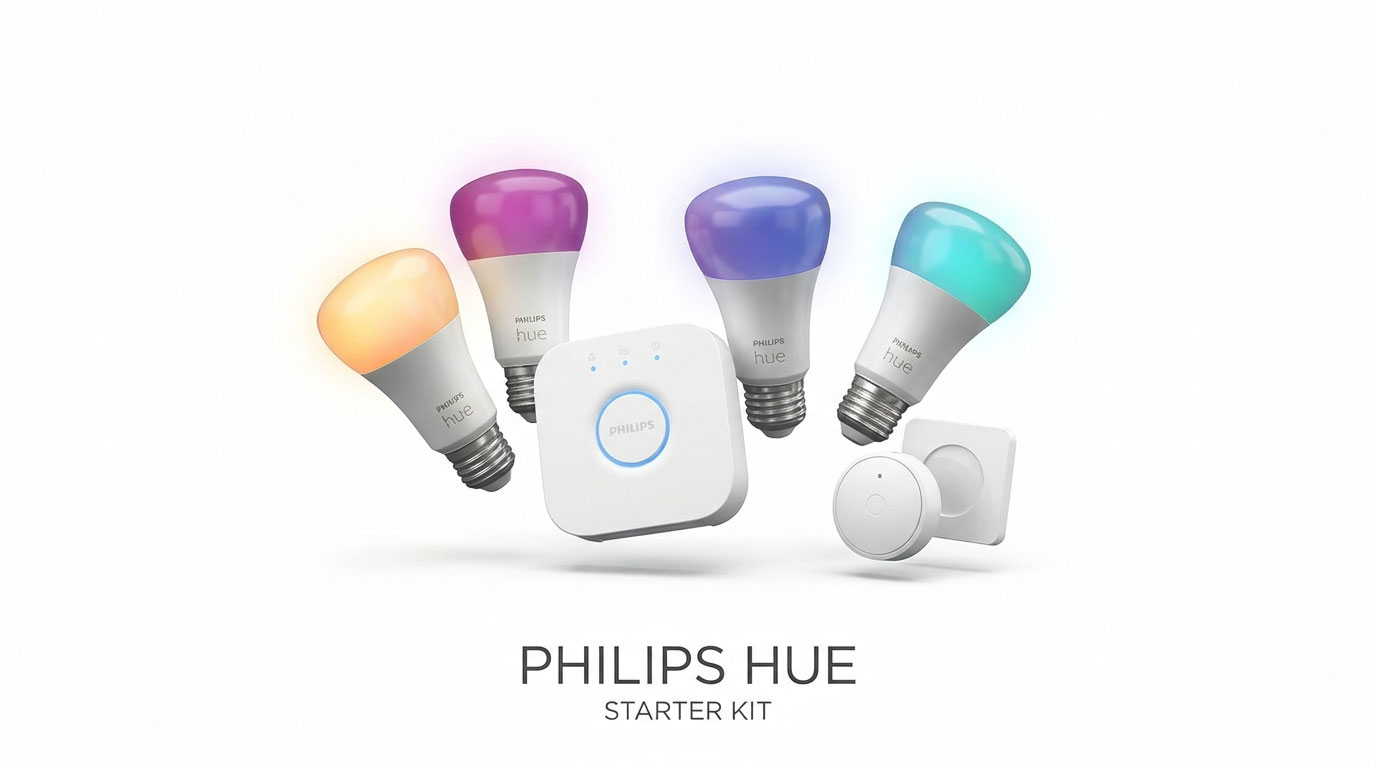
The Philips Hue White and Color Ambiance Starter Kit solves these issues entirely. Rather than clogging your home Wi-Fi router with individual bulbs, Philips Hue runs on a dedicated, low-power Zigbee mesh network managed by the Hue Bridge. Now officially updated with universal Matter support, it pairs seamlessly across Google Home, Amazon Alexa, Apple Home, and Samsung SmartThings.
In this comprehensive Philips Hue Starter Kit review, we test its color reproduction accuracy, automation response speeds, Zigbee mesh reliability, smart switch accessories, and whether its premium price tag remains justified against budget Wi-Fi alternatives.
Quick Verdict & Review Scorecard
| Evaluation Metric | Score | Key Takeaway |
| Color Fidelity & Dimming | 9.9 / 10 | Unrivaled color saturation across 16 million colors; ultra-smooth dimming down to 1% without buzzing |
| Network Stability & Speed | 9.9 / 10 | Zigbee mesh topology offloads Wi-Fi router traffic; near-zero latency commands |
| Smart Ecosystem & Matter | 9.8 / 10 | Native Matter support bridges bulbs into Google Assistant, Apple Home, and Alexa simultaneously |
| App & Dynamic Automations | 9.6 / 10 | Polished app with dynamic scenes, sunrise wake-up routines, and Spotify music sync |
| Accessory Ecosystem | 9.7 / 10 | Expansive lineup of wireless dimmer switches, indoor/outdoor motion sensors, and smart plugs |
| Initial Investment Cost | 8.2 / 10 | Premium upfront cost compared to standalone budget Wi-Fi smart bulbs |
| Overall Score | 9.5 / 10 | Editor’s Choice: The Undisputed Best Smart Lighting System for Any Home |
Technical Specifications at a Glance
| Specification | Hardware Details |
| Kit Contents | 4x White & Color Ambiance A19 Bulbs, 1x Hue Bridge (with power adapter & Ethernet cable), 1x Smart Button |
| Luminance Output | 1,100 Lumens (equivalent to 75W traditional incandescent bulb per bulb) |
| Color Temperature | 2,000K (Deep warm amber) to 6,500K (Cool daylight) + 16 Million Colors |
| Base Fitting | Standard E26 Medium Screw Base (Available in GU10 and E12 variants) |
| Wireless Protocols | Zigbee (via Hue Bridge), Bluetooth Low Energy (Direct phone control), Matter over Bridge |
| Bridge Capacity | Connects and controls up to 50 Hue lights and 12 accessories simultaneously |
| Rated Lifespan | 25,000 operational hours (roughly 22–25 years of typical daily use) |
| Power Consumption | 10.5W maximum power draw per bulb at full brightness (0.5W standby) |
| Smart Voice Support | Google Assistant, Amazon Alexa, Apple Siri / HomeKit, Samsung SmartThings |
| Dimensions & Weight | Standard A19 bulb dimensions (110 mm x 61 mm); ~72 grams per bulb |
1. The Hue Bridge Advantage: Why Zigbee Beats Wi-Fi Bulbs
The fundamental reason cheap smart bulbs disconnect or crash is router congestion.
A typical home Wi-Fi router is engineered to handle 20 to 30 active client devices (phones, laptops, smart TVs, streaming sticks). If you replace 15 ceiling bulbs with Wi-Fi smart bulbs, your router’s bandwidth becomes overwhelmed with continuous network handshakes.
How the Philips Hue Mesh Topology Works:
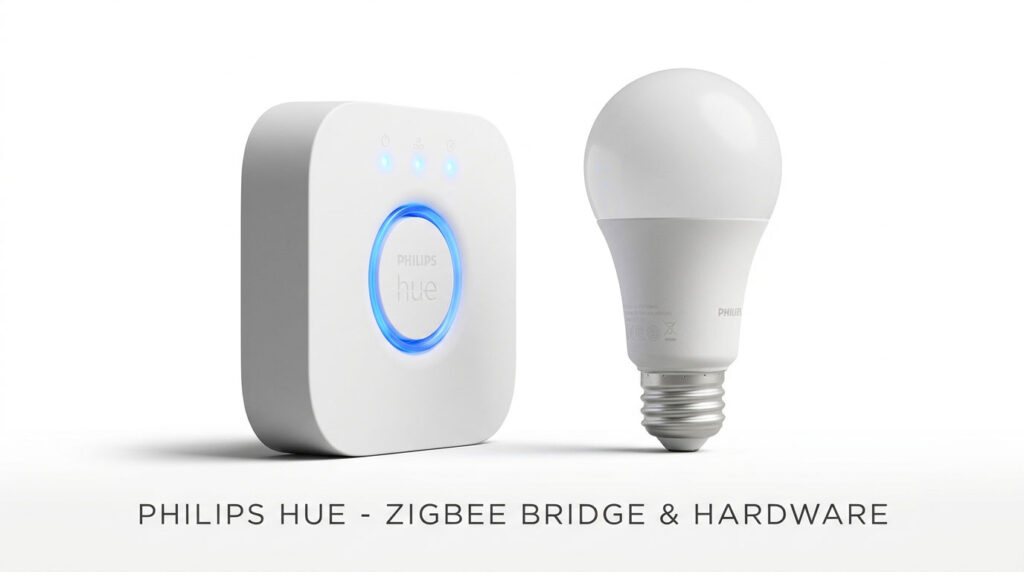
– Single IP Address : Only the Hue Bridge plugs into your router via Ethernet, using just one network IP
– Low-Power Zigbee : Bulbs communicate across a separate 2.4 GHz Zigbee wireless mesh network
– Mesh Repeating : Every powered Hue bulb acts as a signal repeater, extending range throughout large homes
– Instantaneous Clicks: Group light toggle commands trigger across an entire room in under 50 milliseconds
This dedicated architecture means you can scale up to 50 individual bulbs and accessories across multiple floors without dropping your Netflix streaming speeds or causing smart switches to disconnect.
2. Color Accuracy, Dimming, and Lighting Quality
Many budget smart bulbs claim to output “16 million colors,” but in real-world use, their greens look muddy, cyans wash out, and deep blues appear faint.
The Philips Hue White and Color Ambiance bulbs feature rich phosphor coatings and multi-channel LED drivers:
Lighting & Color Highlights:
– True-to-Life Colors : Deep saturated purples, natural greens, and rich reds that do not wash out at high outputs
– Tunable White Range : Transition from cozy, candlelight amber (2,000K) to crisp, focus-oriented daylight (6,500K)
– Ultra-Low Dimming : Dims smoothly down to 1% without high-pitch coil whine, buzzing, or micro-flickering
– 1,100 Lumen Punch : 75W equivalent output easily illuminates large living spaces, home offices, and reading corners
Dimming down to 1% without stepping or flickering makes Hue bulbs effective nightlights for children’s bedrooms, hallways, or evening entertainment setups.
3. Automation, Entertainment Sync, and Everyday Routines
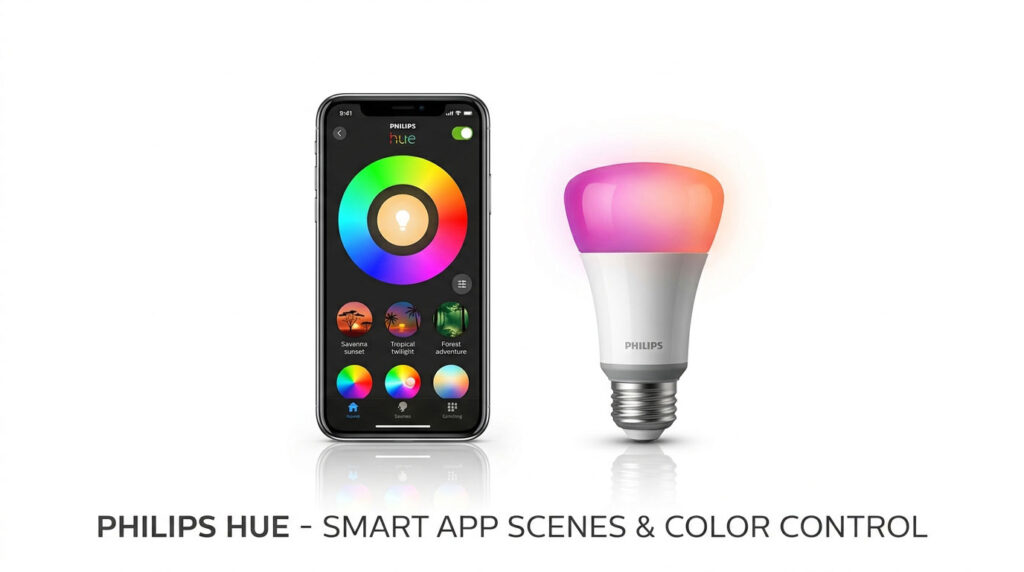
The Philips Hue App (available on Android and iOS) balances deep technical automation with intuitive visual scene presets:
Automations & Intelligent Scenes:
– Natural Light Automation: Dynamically shifts the color temperature throughout the day to match solar rhythms
– Wake-Up & Sleep Routines: Gradually brightens lights over 30 minutes to wake you up gently without a jarring alarm
– Location-Based Geofencing: Automatically illuminates entryways as you drive home and switches off when you leave
– Spotify Entertainment Sync: Real-time light algorithm synchronizes bulb color transitions to the tempo and mood of music
Smart Display and Voice Control Synergy
If you have a Google Nest Hub (2nd Gen) on your nightstand or kitchen counter, the integration is effortless.
Saying, “Hey Google, activate Relax scene in the living room” or swiping the Nest Hub’s touchscreen instantly dims the lights to warm candlelight hues. When someone rings your Google Nest Doorbell (Battery), you can configure Hue indoor lamps to pulse softly as a silent visual alert for sleeping babies or hearing-impaired family members.
(Audio Synergy: For an immersive home entertainment setup, sync your Hue living room lights to your favorite playlists while enjoying high-fidelity sound on your Google Pixel Buds Pro 2 or Samsung Galaxy Buds3 Pro.)
4. Accessory Lineup & Wall Switch Solutions
The Achilles’ heel of any smart lighting system is the traditional wall switch.
When family members or house guests flip the physical wall switch off out of habit, typical smart bulbs lose power and go completely offline, rendering app schedules and voice assistants useless.
Philips Hue solves this with an unmatched hardware ecosystem:
- Hue Smart Button (Included in Kit): A magnetic, coin-sized wireless button that mounts anywhere. One press turns the lights on/off; pressing and holding cycles through your favorite color scenes.
- Hue Dimmer Switch (Optional Accessory): A battery-powered wall plate with four physical buttons (Power, Dim Up, Dim Down, Scene Cycle) that magnetically docks over existing switch boxes.
- Hue Wall Switch Module (In-Wall Solution): A tiny battery-powered module installed behind your physical wall switches, ensuring your Hue bulbs always remain powered and smart, even when someone flicks the wall switch.
Philips Hue vs Budget Smart Bulb Competitors
| Feature / Metric | Philips Hue Starter Kit | TP-Link Kasa / Tapo Smart Bulbs | Nanoleaf Essentials (Matter) |
| Networking Architecture | Zigbee 3.0 Mesh (Hue Bridge) | Standalone Wi-Fi (2.4 GHz) | Thread Mesh Protocol |
| Max Devices on Network | Up to 50 Lights per Bridge | Router-dependent (10–20 max) | Up to 30 per Thread Border Router |
| Matter Protocol | Yes (Via Hue Bridge update) | Select models only | Yes (Native Matter over Thread) |
| Color Reproduction | Industry-Leading Precision | Good / Moderate saturation | Very Good |
| Dimming Range | 1% to 100% (Zero buzzing) | 5% to 100% (Occasional buzz) | 1% to 100% |
| Wall Switch Accessories | Extensive (Dimmer, Module, Button) | Limited / Basic switches | Basic |
| Price Point | Premium (~160–199 Kit) | Budget (~10–15 per bulb) | Mid-tier (~$20 per bulb) |
Pros and Cons
Pros
- Zigbee mesh networking offloads traffic from your home Wi-Fi router for rock-solid stability
- Flawless color reproduction across 16 million colors with rich, natural saturation
- Ultra-smooth dimming down to 1% without audible buzzing, coil whine, or flickering
- Universal Matter support via the Hue Bridge works across Google Home, Apple, Alexa, and SmartThings
- Comprehensive accessory ecosystem including wireless switches, in-wall modules, and outdoor motion sensors
- 1,100 lumens of maximum brightness easily lights large living spaces and workstations
- Zero mandatory monthly subscriptions; full remote out-of-home access included free
Cons
- Premium upfront cost compared to standalone budget Wi-Fi bulbs
- Requires a physical Ethernet connection from the Hue Bridge to your home router
- Physical bulbs depend on the Hue Bridge to access advanced automations and Matter support
- The optional in-wall modules require basic light switch wiring installation
Frequently Asked Questions (FAQ)
Can I use Philips Hue bulbs without the Hue Bridge?
Yes. Philips Hue bulbs include built-in Bluetooth, allowing you to pair and control up to 10 bulbs directly from your smartphone within a single room. However, without the Hue Bridge, you lose out-of-home remote control, multi-room Zigbee mesh reliability, accessory switch pairing, and Matter cross-platform support. We strongly recommend getting the Starter Kit with the Bridge.
Do Philips Hue bulbs work with normal physical light switches?
Yes, but flicking a normal switch cuts electricity to the bulb, causing it to appear offline in the app. However, in the Hue app, you can set the Power On Behavior so the bulb always turns on to your preferred warm color and brightness whenever a wall switch is flipped, rather than blinding you with harsh 100% white light.
Does Philips Hue charge any monthly subscription fees?
No. Unlike smart camera systems, all Philips Hue features—including remote out-of-home control, sunrise/sunset scheduling, color scenes, geofencing, and voice assistant integrations—are 100% free with no subscription required.
Final Verdict: Is the Philips Hue Starter Kit Worth Buying?
To conclude our Philips Hue Starter Kit review, this system remains the undisputed king of smart lighting for good reason. While cheaper Wi-Fi alternatives tempt buyers with low price tags, they quickly show their limitations through router congestion, muddy color output, and dropped connections.
By combining the bulletproof reliability of Zigbee mesh networking with rich color reproduction, universal Matter compatibility, and an extensive accessory catalog, the Philips Hue White and Color Ambiance Starter Kit is the single best smart lighting investment you can make for your home.
Explore our complete buyer’s guide to the Best Smart Home Devices to see how Philips Hue coordinates with voice controllers like the Google Nest Hub (2nd Gen) Review and smart security setups like the Google Nest Doorbell (Battery) Review. If you track your sleep health, check out our reviews of the Samsung Galaxy Ring and the Best Smartwatches for Android.